
WinXP提示“itunes无法验证服务器s.mzstatic的身份”怎么办?
番茄系统家园 · 2022-09-26 08:32:57
最近有WinXP用户反映,打开iTunes软件的时候出现提示“itunes无法验证服务器s.mzstatic的身份”,导致iTunes软件无法正常使用,这让用户非常烦恼。那么,WinXP提示“itunes无法验证服务器s.mzstatic的身份”怎么办呢?下面,我们一起往下看看。
方法/步骤
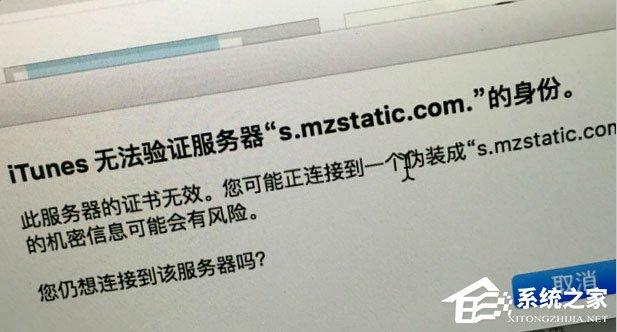
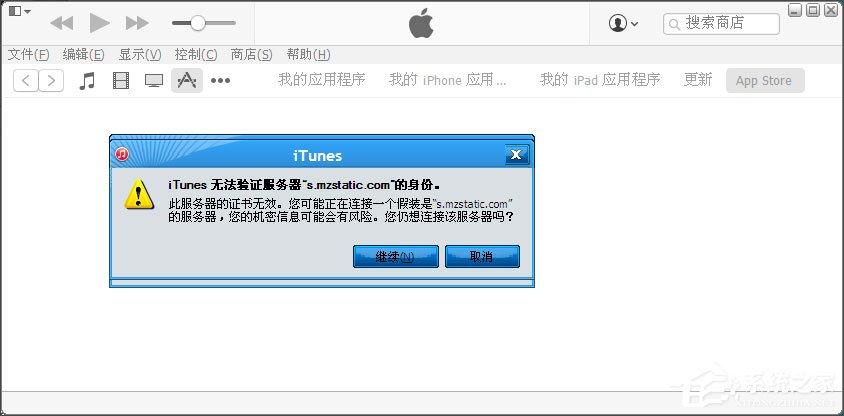
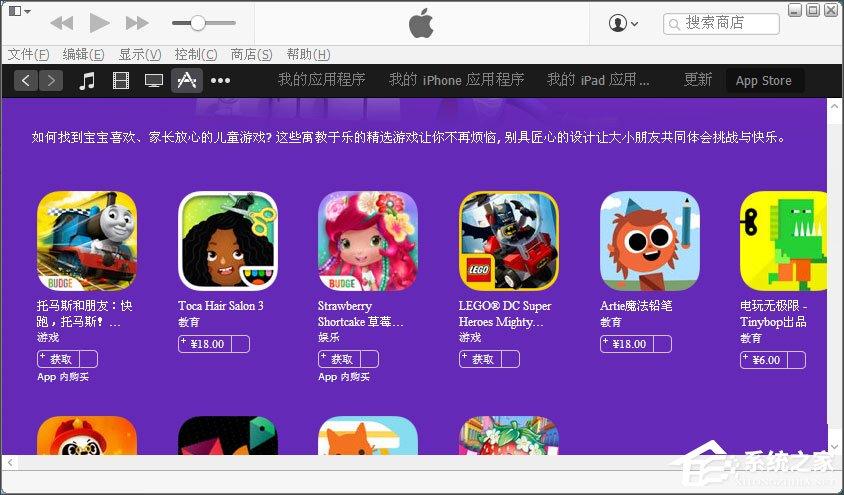
1、如图,这个是个人在打开电脑iTunes软件显示出来的提示,不过点击继续以后,在苹果iTunes软件一片空白无法使用;
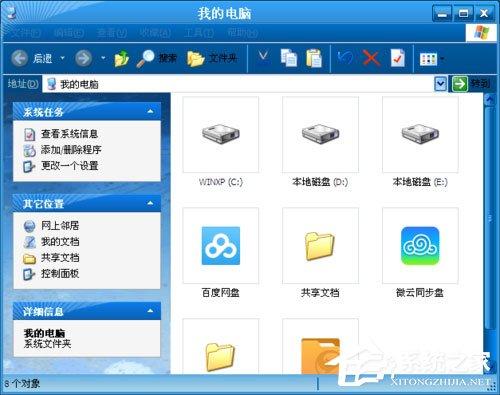
2、首先打开我的电脑进入里面;
3、接下来,在上方地址栏里面输入C:\WINDOWS\system32\drivers\etc,打开hosts文件;
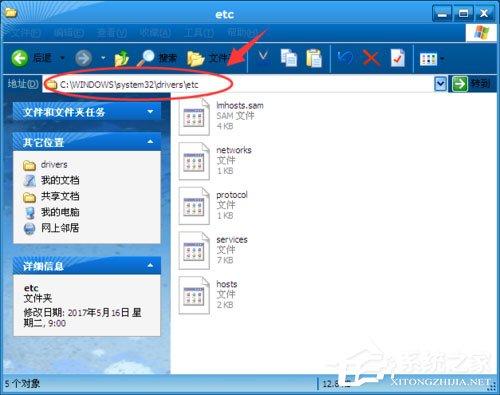
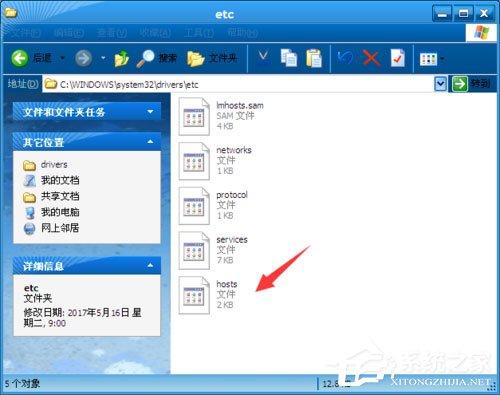
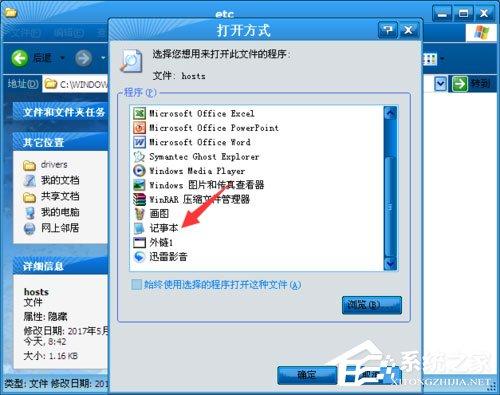
4、选择使用记事本将文件打开;
Copyright (c) 1993-2009 Microsoft Corp.
This is a sample HOSTS file used by Microsoft TCP/IP for Windows.
This file contains the mappings of IP addresses to host names. Each
entry should be kept on an individual line. The IP address should
be placed in the first column followed by the corresponding host name.
The IP address and the host name should be separated by at least one
space.
Additionally, comments (such as these) may be inserted on individual
lines or following the machine name denoted by a ‘#’ symbol.
For example:
102.54.94.97 rhino.acme.com # source server
38.25.63.10 x.acme.com # x client host
localhost name resolution is handled within DNS itself.
127.0.0.1 localhost
::1 localhost
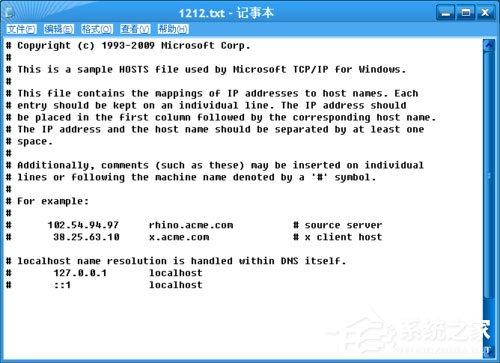
5、在记事本里面最后一行,输入184.85.118.120 s.mzstatic.com编辑修改,点击保存;
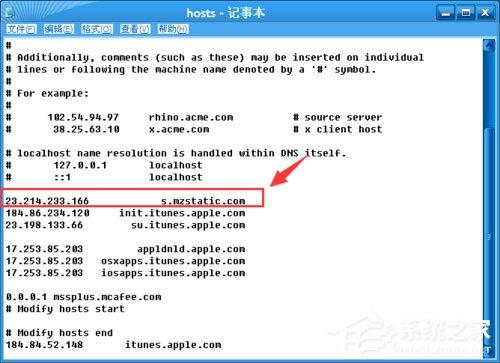
6、然后将iTunes软件关闭一下,在重新打开,您就会发现iTunes提示“无法验证s.mzstatic.com”就消失掉,同时iTunes软件也恢复正常了。
以上就是WinXP提示“itunes无法验证服务器s.mzstatic的身份”的具体解决方法,按照以上方法进行操作后,相信再次打开iTunes软件的时候就不会再出现该提示了。
免责声明: 凡标注转载/编译字样内容并非本站原创,转载目的在于传递更多信息,并不代表本网赞同其观点和对其真实性负责。如果你觉得本文好,欢迎推荐给朋友阅读;本文链接: https://m.nndssk.com/xtjc/285072hXbgZF.html。猜你喜欢
最新应用







热门应用













