
Win7提示Msflxgrd.OCX不能注册或Msflxgrd.OCX错误的解决方法
番茄系统家园 · 2022-03-15 08:01:53
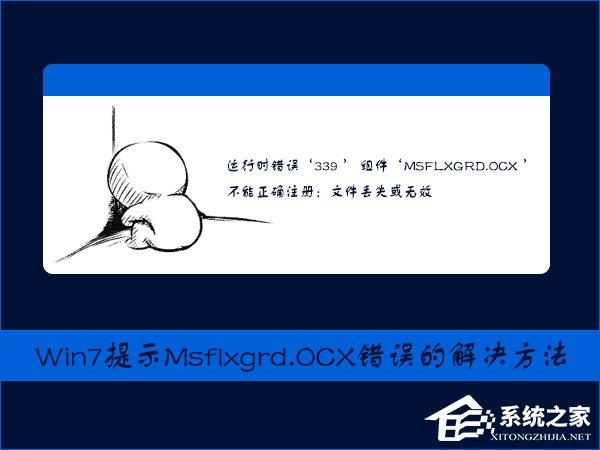
Win7 提示Msflxgrd.OCX不能注册或Msflxgrd.OCX错误怎么解决?在某用户在开发VS的过程中使用IE浏览器会出现“运行时错误‘339 ’ 组件‘MSFLXGRD.OCX ’不能正确注册:文件丢失或无效”的提示,可以使用下文中的方法进行处理。
教程中提到的组件、工具或软件:
Msflxgrd.OCX 下载
如何注册Msflxgrd.OCX?
1、手动复制Msflxgrd.ocx到:
32位:C:\Windows\System32
64位:C:\Windows\SysWOW64
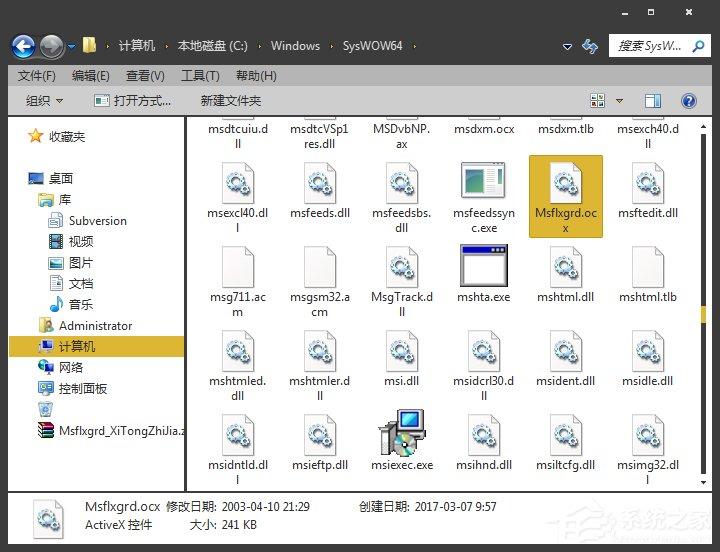
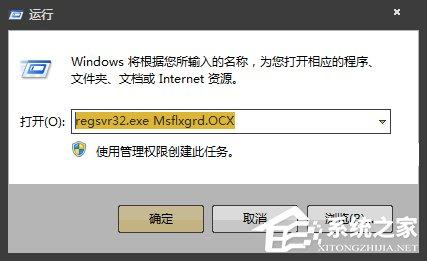
2、运行:regsvr32.exe Msflxgrd.OCX 即可。
3、若是弹出错误提示“ 请确保二进制存储在指定的路径中…… ”,请检查下方注意点:
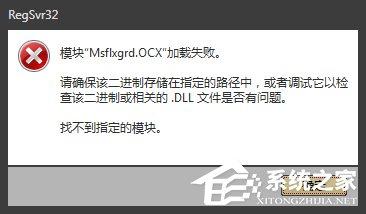
● 检查Msflxgrd.ocx的依赖项,不缺少;
● 缺少VS运行库。
上文便是Win7提示Msflxgrd.OCX不能注册或Msflxgrd.OCX错误的解决方法,同样的方法,可以解决DLL文件丢失的问题,唯一不同的是文件名。
免责声明: 凡标注转载/编译字样内容并非本站原创,转载目的在于传递更多信息,并不代表本网赞同其观点和对其真实性负责。如果你觉得本文好,欢迎推荐给朋友阅读;本文链接: https://m.nndssk.com/xtjc/273869mAlBuz.html。猜你喜欢
最新应用







热门应用