PowerPoint Viewer
microsoft office powerpoint可以查看在microsoft,powerpoint97或更高版本中创建的功能齐备的演示文稿,本站提供powerpoint2010官方免费下载。

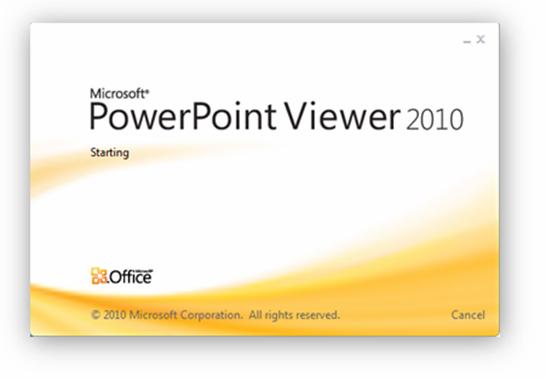
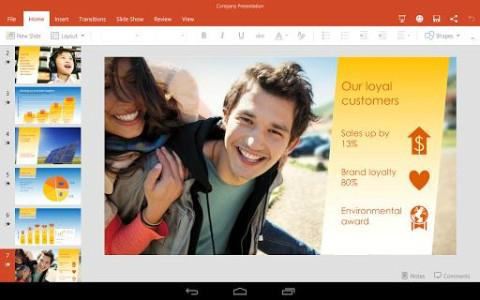

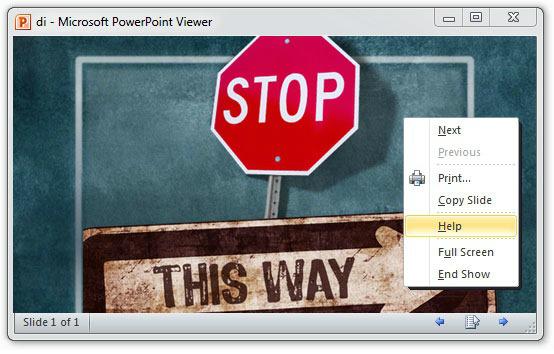
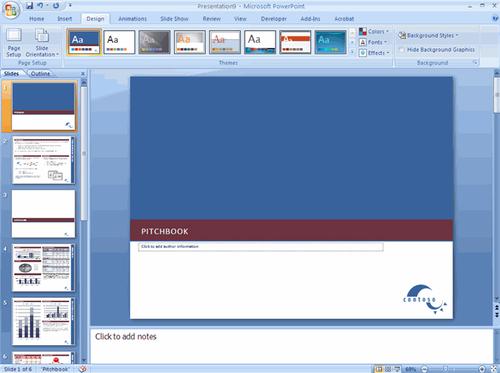
使用 Microsoft Office PowerPoint Viewer 2010,您可以查看在 PowerPoint 97 或更高版本中创建的功能齐备的演示文稿。本站提供powerpoint2010官方下载
microsoft powerpoint下载。
Microsoft Office PowerPoint Viewer 2010
软件特色:
1、不需要打开庞大的PowerPoint,使用小巧的 Microsoft PowerPoint Viewer,可查看在 Microsoft PowerPoint 2000、PowerPoint 2002、PowerPoint 2003、 PowerPoint 2007 和 PowerPoint 2010 中创建的演示文稿。
软件截图2
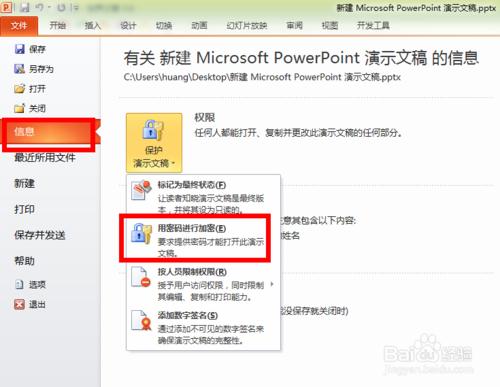
2、PowerPoint Viewer 还能打开受密码保护的 PowerPoint 演示文稿。
软件截图3
3、可以使用 PowerPoint Viewer 附带的字体进行显示和打印,但是显示和打印的内容必须来自运行 Microsoft Windows 操作系统的设备。
软件截图4
Microsoft Office PowerPoint Viewer 2010
使用教程:
1、下载Microsoft PowerPoint Viewer安装程序,即可快速安装。
2、此后你便可以使用Microsoft PowerPoint Viewer打开任何PPT文档。
3、支持的操作系统包括:
Windows 7; Windows Server 2003 R2 (32-Bit x86); Windows Server 2003 R2 x64 editions; Windows Server 2008; Windows Vista Service Pack 1; Windows Vista Service Pack 2; Windows XP Service Pack 3
4、支持以下Office版本创建的演示文档:
Microsoft PowerPoint 2010
Microsoft Office PowerPoint 2007
Microsoft Office PowerPoint 2003
Microsoft PowerPoint 2002
Microsoft PowerPoint 2000
Microsoft PowerPoint 97
Microsoft Office PowerPoint Viewer 2010
注意事项:
此查看器不支持下列 Microsoft PowerPoint 功能
·信息权限管理 (IRM) 演示文稿。
·运行宏、程序或打开链接或嵌入的对象。
温馨提示
由于正版Office属收费软件,故本站提供的金山出品的免费Office办公软件WPS,WPS拥有你想要的Office2003功能,运行速度快,体积小巧,终身免费。
应用信息
大小:60.77MB
软件版本:2010 官方正式版
语言:简体中文
授权方式:免费